Build with AI
How to give AI tools the context they need to build Video.js players alongside you
Video.js publishes all of its documentation in AI-friendly formats. This page covers how to feed that documentation to your tools.
Give your AI context
AI tools might not know the Video.js API out of the box. You need to give them documentation.
Markdown documentation
Every doc page is available as markdown, so you can provide your model with focused content instead of HTML. Three ways to get it:
-
Copy button: each page has a “Copy Markdown” button in its header. Grab the pages relevant to your task and paste them in. The button looks something like this…
-
Accept: text/markdownheader: AI tools that send this header when fetching a Video.js doc URL will receive markdown instead of HTML.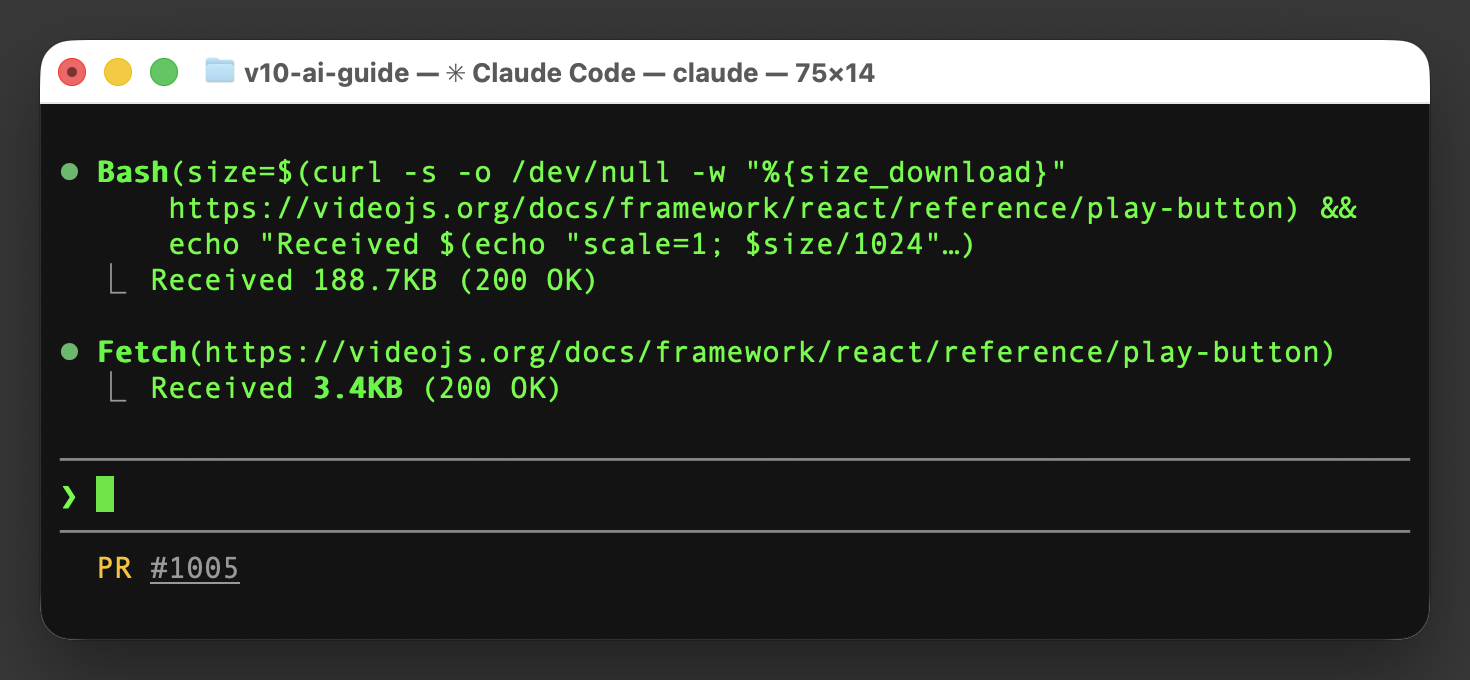
-
Add
.mdto any URL: append.mdto any doc URL to get its markdown directly. For example, the PlayButton reference is available atvideojs.org/docs/framework/react/reference/play-button.md.
-
Copy button: each page has a “Copy Markdown” button in its header. Grab the pages relevant to your task and paste them in. It looks something like this…
-
Accept: text/markdownheader: AI tools that send this header when fetching a Video.js doc URL will receive markdown instead of HTML. -
Add
.mdto any URL: append.mdto any doc URL to get its markdown directly. For example, the PlayButton reference is available atvideojs.org/docs/framework/html/reference/play-button.md.
llms.txt
videojs.org/docs/framework/react/llms.txt is an index of the full documentation: every page with a title and description. Add it to your project’s context so your AI knows what’s available.
videojs.org/docs/framework/html/llms.txt is an index of the full documentation: every page with a title and description. Add it to your project’s context so your AI knows what’s available.
Set up your tools
How you use these resources depends on your tool:
- Any AI chat: copy markdown from a doc page and paste it into the conversation.
- Claude Code: reference doc URLs in your project’s
CLAUDE.mdso the agent knows where to find Video.js docs when it needs them. - Cursor: add the
llms.txtURL via the@Docsfeature for indexed search across the documentation. - Other coding agents: reference doc URLs or
llms.txtin your project’sAGENTS.mdor equivalent context file.
What’s next for AI and Video.js
We’re exploring additional ways to integrate with AI tools, including MCP servers and agent skills. If you have ideas or want to share how you’re using AI with Video.js, we’d love to hear from you in GitHub Discussions.